Innovillage’s biggest problem was that students hardly knew them. They were aware of that their website contained a lot of information and was hard to navigate. Despite of that they didn’t want solutions for that matter since they had already a team to fix the website.
Our goal was to find a solution that improves the cooperation between private, public and educational sector.
Innovillage
Innovillage is a Finnish open innovation community in the health and welfare sector. It developed in an Innovillage project held in 2009-2013.
They provide tools, events and support to promote health and welfare. The users of Innovillage include
public service providers and developers
private service providers
non-governmental organizations.
Make Brainstorming Even Better
First, we wanted to know how students studies in Laurea. Laurea uses Learning by Developing method to teach. Because of that studies includes a lot of working in group projects. Since studies is heavily focused on group projects we thought that Innovillage could provide tools for that.
We interviewed students in Laurea and asked them
What kind of work environment do you enjoy working in?
What kind of web services/tools do you use in your projects?
How much of your project work takes place over the internet?
Is there a certain program/service that often causes issues in project work?
What kind of tools would you like to have?
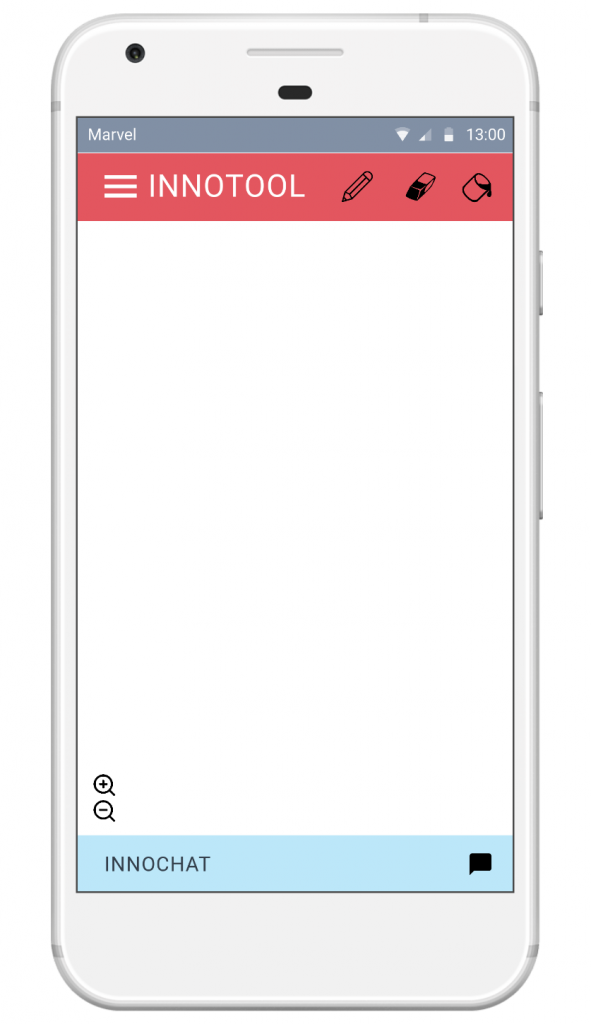
Most of the interviewed students said that they preferred to see team members face-to-face. They wished to have an online drawing tool to help up with brainstorming. Laurea offers Office 365 products for free for their students. However the product family doesn’t contain desired online drawing platform. Based on the results we set our target to produce a better tool for school projects.
Business Model Innovation Sketches
Storyboard's Work in Process
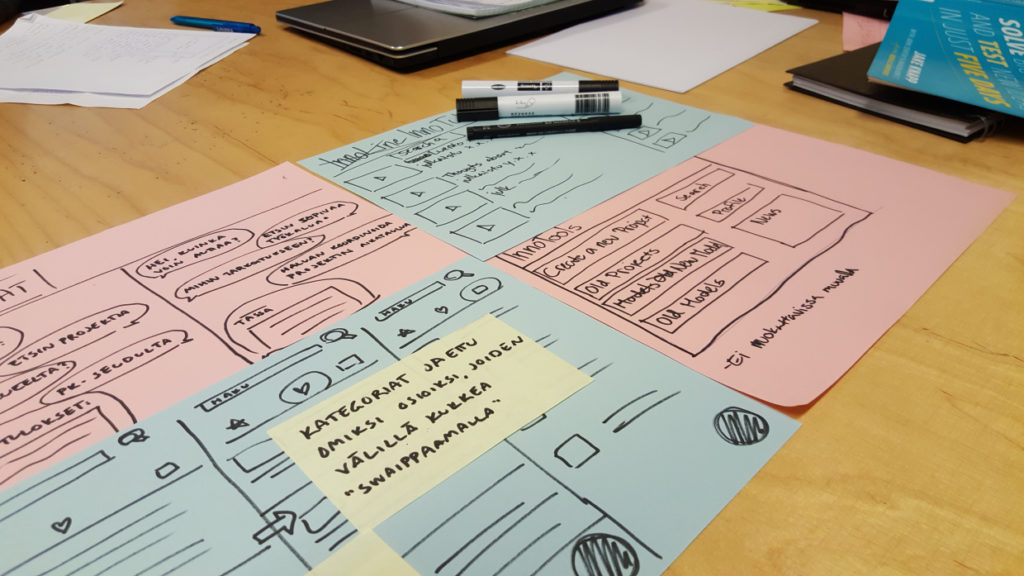
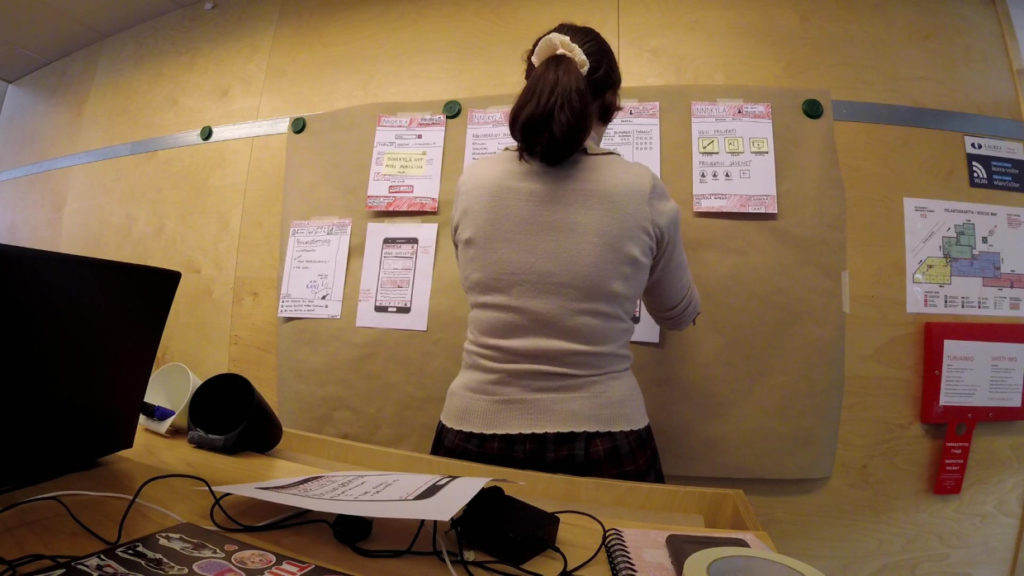
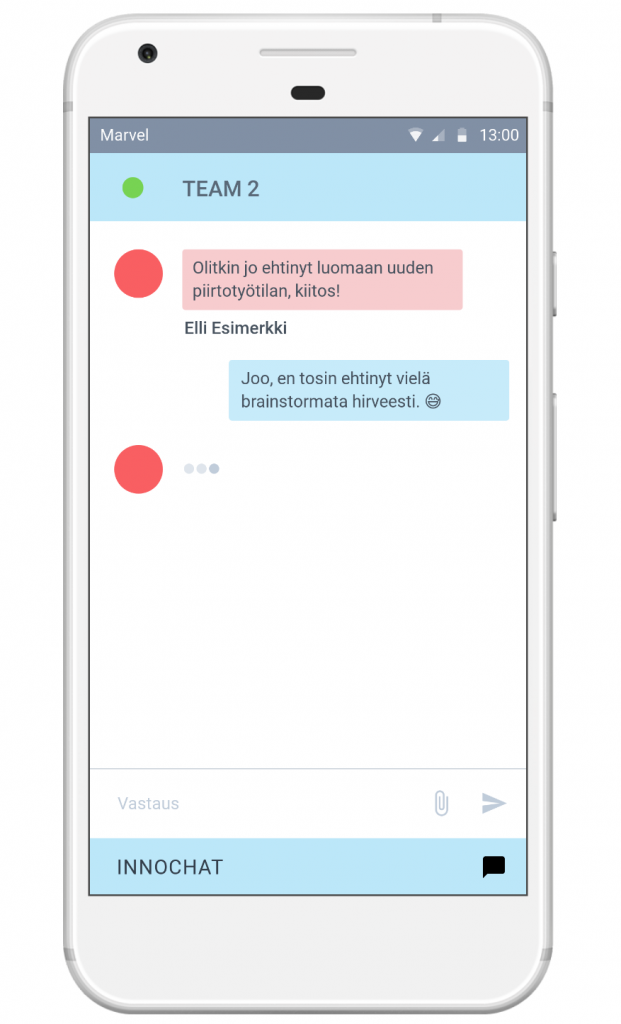
Second, we made a story board to sketch out the process. The board went through the user experience and consisted approximately 15 papers. Especially the drawing platform and chat function that were introduced in story board were the client’s favorites. We chose to stick with those ideas.
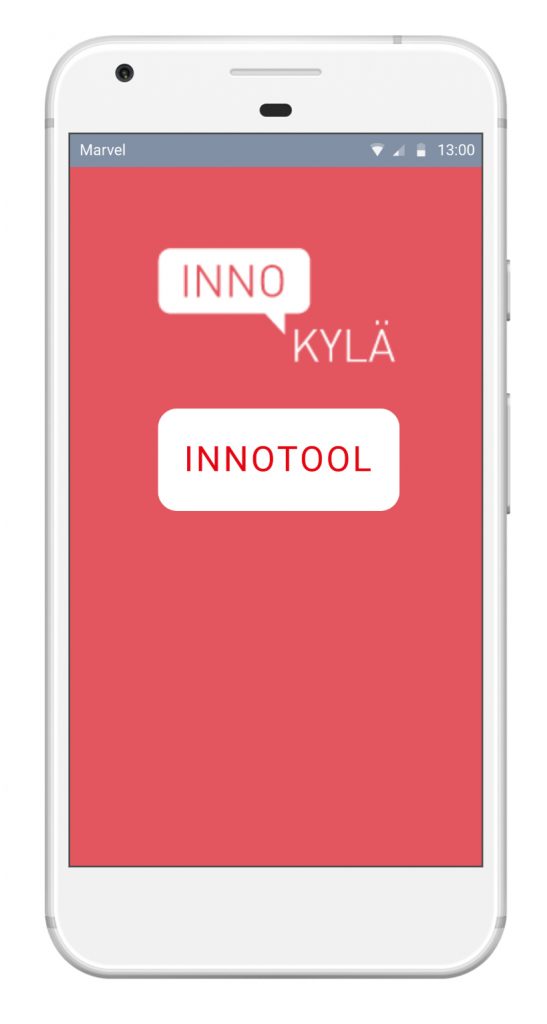
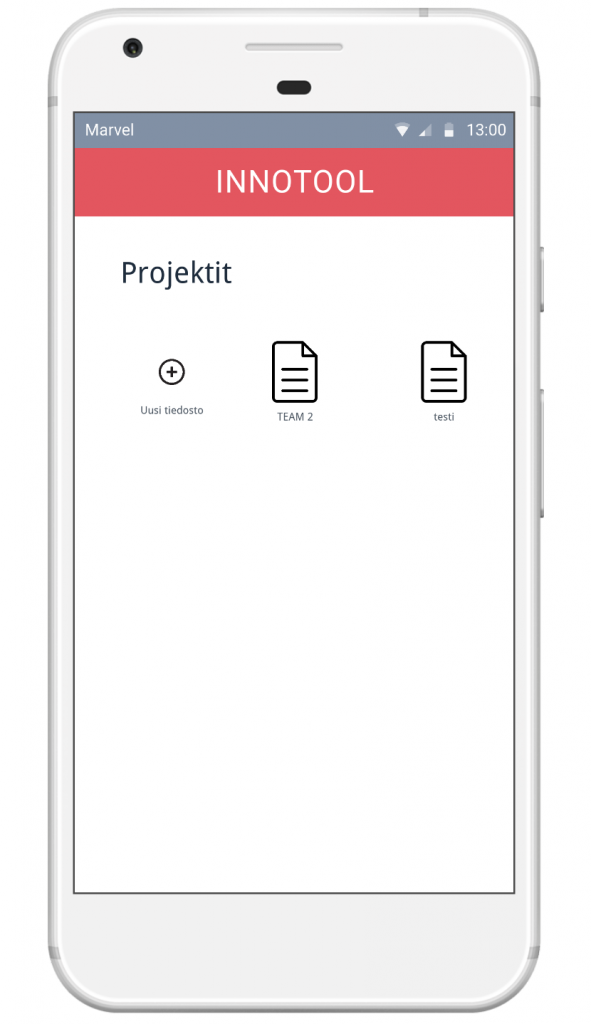
Third, we wanted to know does our idea work. Based on the story board we made a prototype with MarvelApp. My task was to sketch a prototype for a smart phone. After the prototype was done it was time to test it out. As a result, we got good suggestions on what the prototype might need to make it easier to use. The improvements were done but there was no time to test them out.
Results
Overall students seemed to be interested in our idea and gave us positive feedback. The client also liked our idea. The biggest problem was that they had no budget and little resources to put our idea in practice.
Despite that Innotool didn’t success I learned a lot during the project. Service design methods were new to me and so was sprint method. I learned that service design methods is possible to use in website designing as well. The sprint method teached me to think about brainstorming in a new point of view.